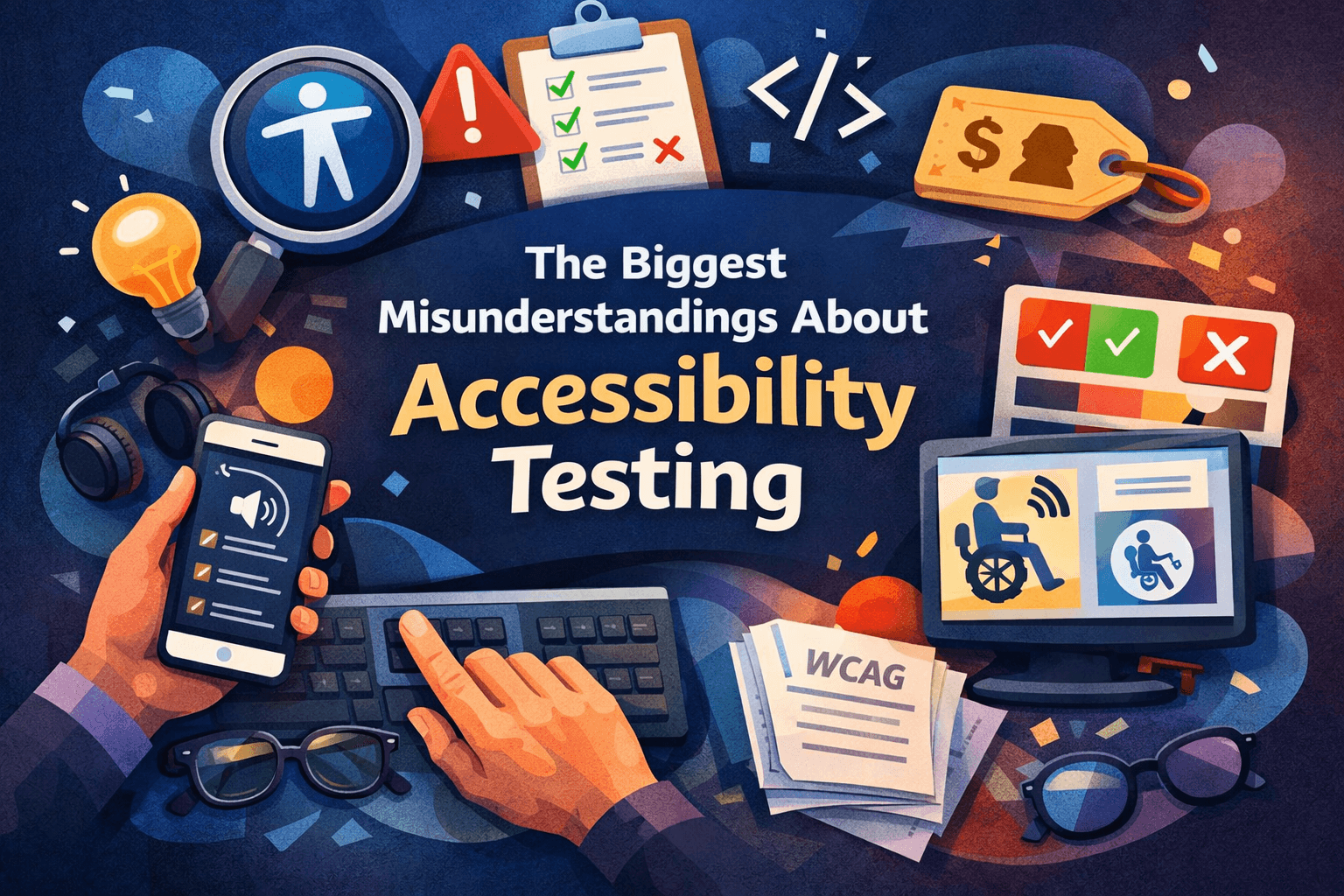
Accessibility testing is widely discussed, but often poorly understood.
Many teams think accessibility is something you check once with a tool. Others assume it requires a specialist or a long compliance process. Some believe it slows development down.
In practice, accessibility testing is much simpler and much more practical than these assumptions suggest.
Here are some of the most common misunderstandings teams have about accessibility testing.
“An accessibility scanner will tell us everything”
Automated scanners are useful. They can quickly detect common technical issues like:
- missing alternative text on images
- low color contrast
- form inputs without labels
- missing ARIA attributes
But these tools only catch a portion of accessibility problems.
Many issues depend on context and human judgement. For example:
- Does the alt text describe the image in a meaningful way?
- Does the heading structure make sense when navigating with a screen reader?
- Are error messages clear and helpful?
- Can users complete tasks easily using only a keyboard?
These are things automated tools cannot reliably determine.
Automated testing should be seen as a first step, not the final answer. It helps identify obvious technical issues quickly, but it cannot replace manual review and real user testing.
“Accessibility testing is something QA does at the end”
A common pattern in many teams looks like this:
- Designers finish the UI
- Developers build the feature
- QA tests it
- Accessibility problems appear right before release
By that stage, fixing issues can be painful. Sometimes it requires redesigning layouts, restructuring components, or rewriting content.
Accessibility works best when it is considered from the beginning.
For example:
- Designers can check contrast and layout clarity early
- Developers can build components with semantic HTML and keyboard support
- Content teams can write descriptive links and headings
- QA can verify behavior with assistive technology
When accessibility is part of the normal workflow, it rarely becomes a large problem.
“Accessibility testing requires expensive tools”
There is a growing market of accessibility platforms and enterprise solutions. Some are very helpful, especially for large organizations.
But you do not need expensive software to start testing accessibility.
In fact, some of the most valuable accessibility testing simply involves using the site differently:
- navigating without a mouse
- zooming the page to 200 percent
- testing with a screen reader
- reviewing the structure of headings and landmarks
These simple checks often reveal usability problems immediately.
“Accessibility is mostly about screen readers”
Screen readers are an important part of accessibility testing, but accessibility affects many different users.
People may experience barriers due to:
- visual impairments
- motor disabilities
- cognitive differences
- hearing impairments
- temporary limitations such as a broken arm or bright sunlight
Accessibility improvements often benefit everyone. Clear structure, readable text, and predictable navigation help all users, not only those using assistive technology.
Accessibility is really about removing unnecessary barriers.
“Accessibility is too complicated for our team”
WCAG documentation can look intimidating. The guidelines are detailed and sometimes technical.
But accessibility testing does not require memorizing every rule.
Most teams can dramatically improve accessibility by focusing on a few fundamentals:
- clear page structure
- proper labels for form inputs
- sufficient color contrast
- keyboard accessibility
- meaningful link text
These practices quickly eliminate many common problems.
Accessibility expertise is valuable for deeper audits and complex cases, but everyday accessibility improvements are within reach for most development teams.
Accessibility is not a one time task
Accessibility is not something you fix once and forget.
Even if a website passes WCAG checks today, accessibility issues can appear quickly. Content changes, CMS updates, marketing components, third party scripts, or UI redesigns can all introduce new barriers.
Because of this, accessibility behaves more like security or performance monitoring than a one time audit.
Teams do not run a security check once and assume everything will stay secure forever. The same applies to accessibility. Websites evolve constantly, and accessibility needs to be monitored and tested regularly.
This is why many organizations now treat accessibility as an ongoing process supported by continuous accessibility scanning and regular reviews.
Maintaining accessibility over time is just as important as fixing the first set of issues
What accessibility testing actually looks like
In reality, effective accessibility testing usually combines several approaches.
Automated testing
Used to scan pages and detect common technical issues.
Manual testing
Reviewing pages to check usability, content clarity, and interaction patterns.
Assistive technology testing
Trying the site with tools like screen readers or keyboard only navigation.
Each method catches different types of problems.
Together, they create a much more reliable picture of how accessible a website really is.
The bigger picture
Accessibility testing is not about achieving a perfect score in a tool or checking a box for compliance.
It is about making sure people can actually use your product.
When accessibility is built into everyday development, rather than treated as a last minute task, it becomes far easier to maintain and improve over time.
And in many cases, the changes that make a product more accessible also make it better for everyone.
Scan your website for free at our platform https://getwcag.com. Start identifying accessibility issues and take the first step toward a more inclusive web.