WCAG Chrome Extension for Accessibility Testing behind login
Use this Chrome accessibility extension to run WCAG 2.2 checks on any open tab. Scan localhost, staging, and authenticated pages, then send actionable results to your GetWCAG dashboard.
- Use it as a WCAG checker in Chrome for localhost, staging, and production pages
- Audit pages behind a login and test authenticated user flows with confidence
- One-click "Locate" + dashboard reports with score, severity, and fix guidance
- Local scans have no quota — quota only counts when you save to a project
Looking for a WCAG Chrome extension?
GetWCAG is a Chrome accessibility extension built for teams that need fast, repeatable WCAG 2.2 checks during real development and QA workflows.
It scans active tabs in one click, including localhost and pages behind login, then saves results into your workspace so developers can comment on issues, dismiss false positives, and mark fixes as done.
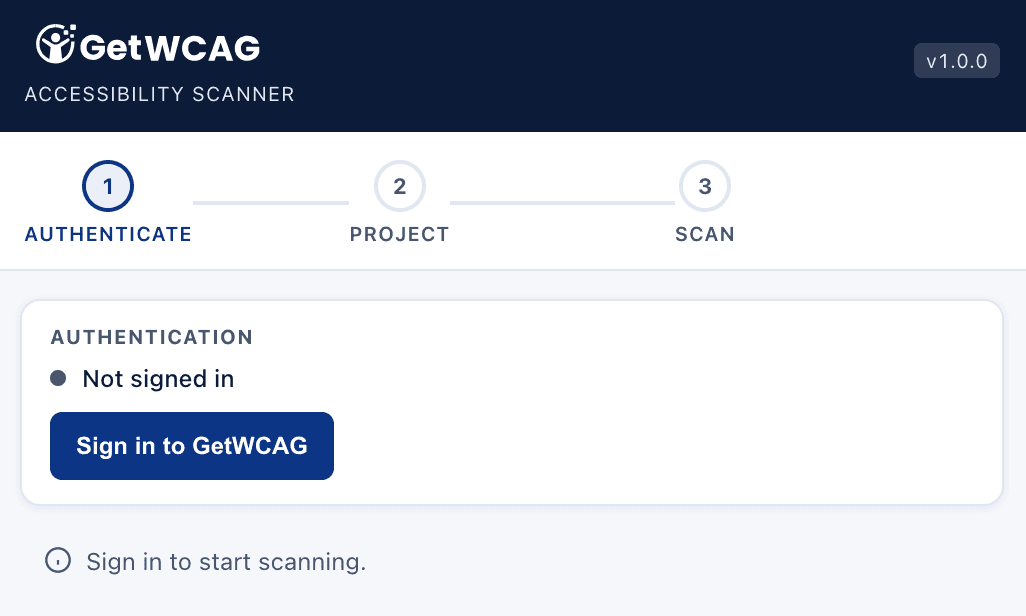
Sign in and select your project
Open the extension, sign in to your GetWCAG account, and pick your project in seconds. Every scan is synced to the selected workspace so your team can track fixes and prove progress with fewer manual steps.
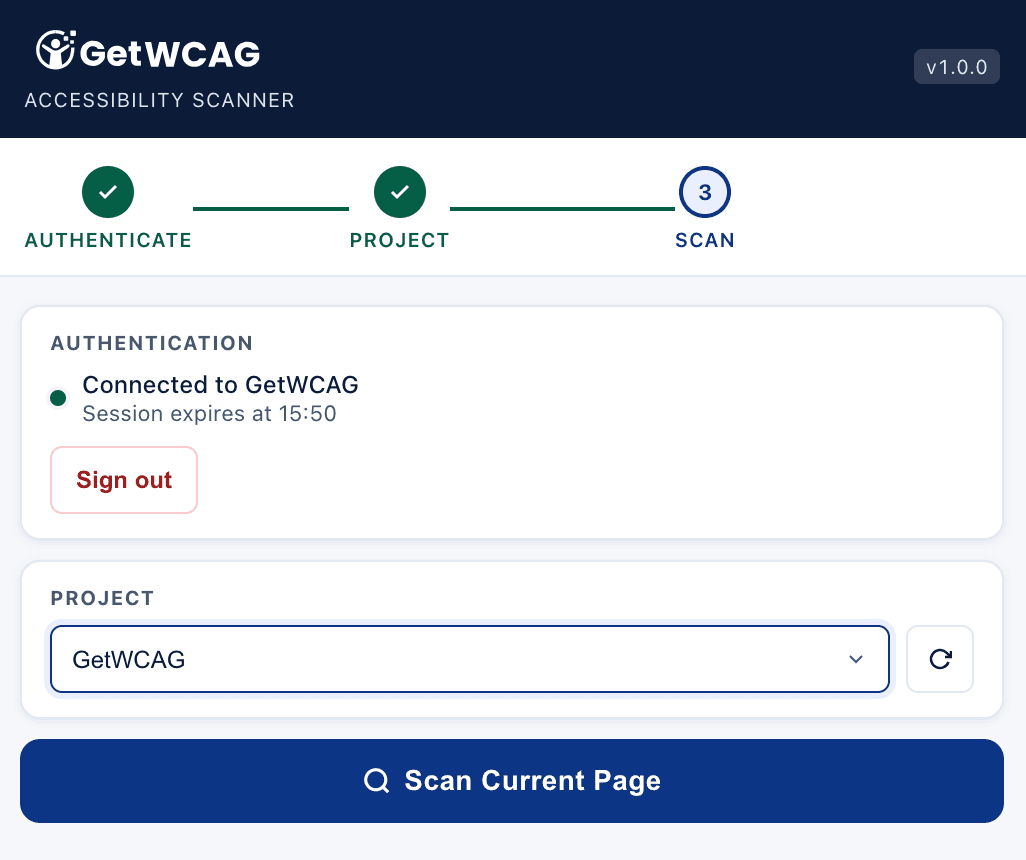
Scan any page in one click, anywhere
Run full WCAG 2.1 and 2.2 checks on public pages, staging sites, localhost builds, and password-protected flows behind a login. No setup, no code changes, and no DevTools workflow required.
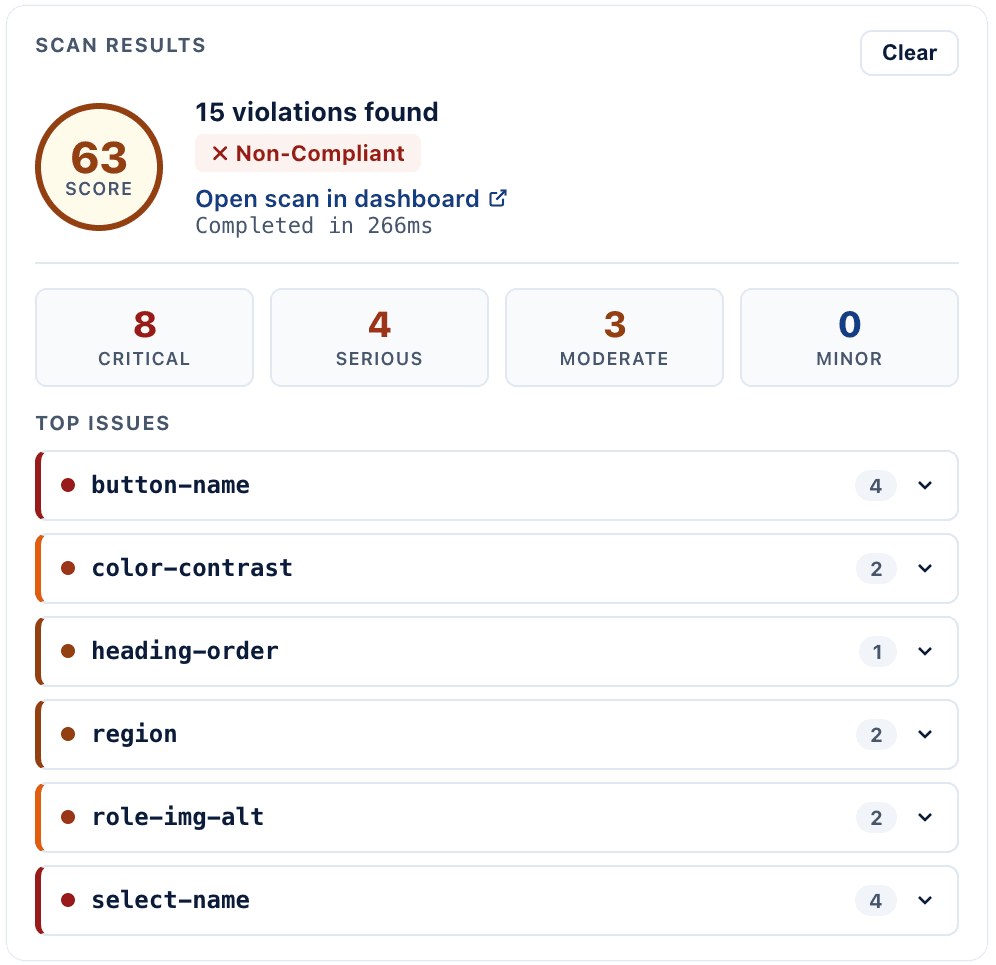
View results and locate failing elements
See every violation grouped by severity, then click "Locate" to jump directly to the failing element on the live page. A screenshot is snapped with each scan for clear visual context, and every result is saved to your GetWCAG dashboard with score, severity, and fix guidance your team can act on immediately.
Review detailed issue info and failing elements
Open a detailed breakdown for each issue, including why it fails WCAG, severity, affected code context, and the exact failing element so your team can fix faster and with confidence.
Add to Chrome — it's free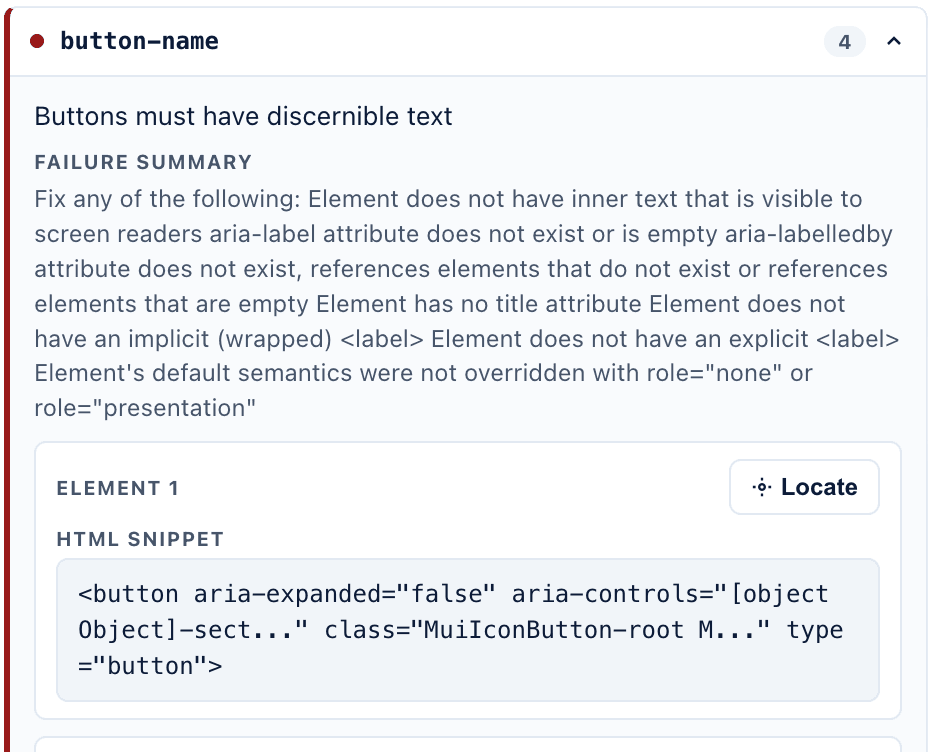
How to Get Started
- Create a GetWCAG account. Sign up here
- Log in and create a project.
- Install the GetWCAG Accessibility Chrome Extension.
- Click Log in inside the extension (you need to be logged in on the same browser).
- Select the project where the scans will be saved.
- Scan the page.
- See the results directly in the extension or in your dashboard.
Useful links for WCAG implementation
WCAG Chrome extension FAQ
Can I use this as a WCAG checker Chrome extension during QA?
Yes. Teams use it as a WCAG checker in Chrome to validate accessibility quickly during QA and pre-release checks.
Does it work for authenticated apps and internal tools?
Yes. You can scan internal tools, staging environments, and logged-in application states directly in your browser.
Is this a free WCAG extension for Chrome?
The extension is free to install, and you can run local scans without quota usage. Quota is used when saving scan results to a project workspace.